








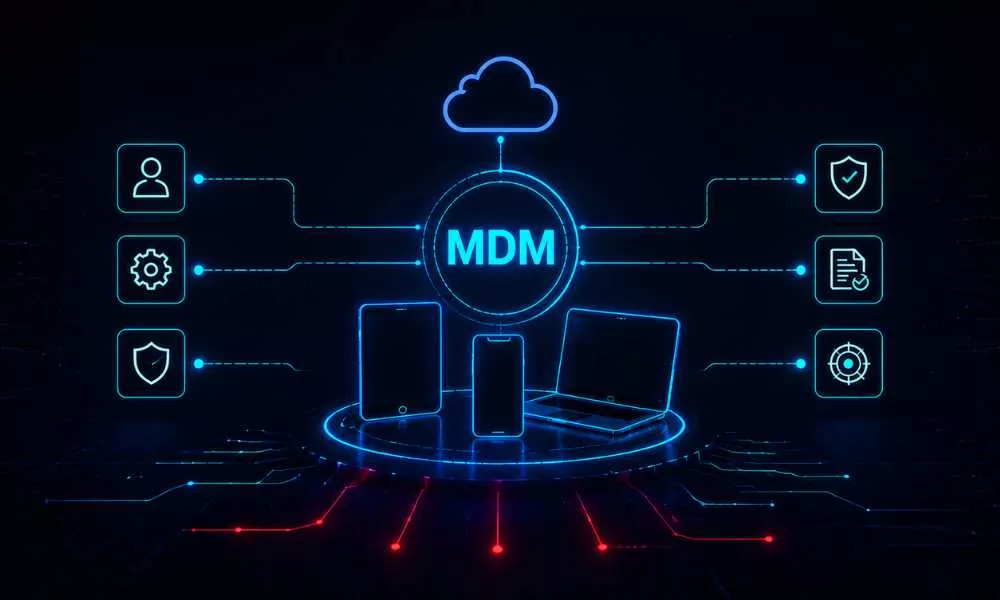
The way organizations secure their workforce has fundamentally changed. Employees no longer work exclusively from managed desktops inside a protected perimeter, they work from smartphones, tablets, and laptops across homes, airports, and coffee shops. Mobile devices are now the primary endpoint for accessing sensitive corporate data, and attackers know it.
According to Grand View Research, the global MDM market was valued at USD 7.67 billion in 2024 and is projected to reach USD 28.37 billion by 2030. With 74% of enterprise IT leaders reporting a data breach tied to mobile security, having a robust Mobile Device Management strategy is no longer optional.
This blog covers the most critical MDM security best practices for IT leaders, security teams, and CISOs who need to protect a distributed, mobile-first workforce without sacrificing productivity.
The 2026 Mobile Threat Landscape
The threat landscape targeting mobile endpoints has matured dramatically. In Q1 2025 alone, Lookout’s Mobile Threat Landscape Report recorded over 1M mobile phishing and social engineering attacks on enterprise users. Around 24,000 malicious mobile apps are blocked every single day.
Device misconfigurations besides malware are emerging as one of the most overlooked and exploited vulnerabilities in enterprise fleets. The shift to hybrid work has compounded this exposure: with 74% of companies now supporting hybrid or fully remote workforces, mobile devices have become the primary gateway to business data. A mismanaged or unmonitored device is effectively an open door into your organisation’s most sensitive systems.
MDM security best practices for IT leaders
Enforce Zero Trust Architecture Across All Devices
The era of implicitly trusting any device connected to the corporate network is over. Gartner projects that by 2026, 60% of organizations will have adopted Zero Trust as the foundation of their MDM strategy. Zero Trust operates on the principle of “never trust, always verify,” requiring continuous authentication and authorization regardless of device location.
In practice, this means enforcing multi-factor authentication (MFA) on every device, implementing device health checks before granting access, and applying contextual access policies based on user role, device posture, and location. A device that passes enrolment but later becomes jailbroken, outdated, or compromised should immediately have its access revoked, automatically.
Pairing MDM with a strong Identity and Access Management (IAM) framework is essential. IAM ensures that even if a device is compromised, granular access controls limit what data an attacker can reach.
Zero Trust MDM implementation checklist
- Enforce MFA on every managed device and application.
- Implement device health attestation before resource access is granted.
- Apply least privilege access based on user role and device posture.
- Configure conditional access policies (location, time, risk score).
- Automate access revocation for non-compliant or compromised devices.
- Integrate MDM with your IAM platform for unified identity signals.
Implement Scalable Device Enrolment and Configuration Policies
Consistent device enrolment is the foundation of any effective MDM program. Every managed device, whether corporate-owned or part of a BYOD program, must be formally enrolled and configured before it can access company resources.
A staggering 90% of companies report that MDM makes it significantly easier to support BYOD policies on enterprise scale. MDM solutions address the unique risks of BYOD through containerization, isolating corporate apps and data from personal content so that a remote wipe of corporate data does not affect an employee’s personal files.
Enrolment should be automated where possible to reduce administrative overhead and human error. Configuration profiles pushed through the MDM platform should enforce:
- Screen lock with a strong PIN or biometric authentication.
- Automatic OS and app update requirements.
- Full-device encryption at rest and in transit.
- Disabled unauthorised app sideloading.
- Restricted personal cloud storage access for work data.
Maintain Continuous Compliance and Real-Time Monitoring
Enrolling a device once is not enough. Devices drift out of compliance, OS patches get missed, unauthorised apps get installed, and configurations change. Continuous compliance monitoring ensures that every device in your fleet is consistently checked against your security baseline.
Modern MDM platforms enable real-time visibility into device health: whether encryption is enabled, whether the OS is current, whether the device has been tampered with. Non-compliant devices should trigger automated remediation workflows from sending the user a compliance alert to quarantining the device from corporate resources until the issue is resolved.
This ties directly into your broader Endpoint Detection and Response (EDR) strategy. MDM handles policy enforcement and configuration management, while EDR actively monitors malicious behaviour at the endpoint level. Together, they provide layered protection against both compliance gaps and active threats.
Prioritize Application Security and App Lifecycle Management
Mobile applications are among the most common vectors for data leakage and malicious code injection. Enterprise MDM programs must go beyond controlling which apps are installed, they need to actively manage the entire app lifecycle.
Best practices include:
- Maintaining an approved enterprise app catalogue
- Blocking or blacklisting known risky applications
- Enforcing app-level VPN for sensitive business applications
- Regularly auditing installed apps for newly discovered vulnerabilities
- Using MAM controls such as copy/paste restrictions and screenshot prevention
- Enforcing managed browser policies; restricting unmanaged browsers for corporate work
Browser vulnerabilities on mobile, many originating from 2024 disclosures still unpatched in 2025, remain a persistent attack surface. Enforcing managed browser policies is a critical and frequently overlooked control.
Establish a Remote Wipe and Incident Response Protocol
During incidents such as lost devices, employees leaving organizations, or devices getting compromised, the speed of your response directly determines the blast radius of the incident.
Every MDM deployment must include a documented and tested remote wipe protocol, covering both full device wipes for corporate-owned devices and selective (corporate-only) wipes for BYOD scenarios. Remote lock capabilities allow security teams to immediately prevent access to a device while the situation is assessed.
With 31% of organizations taking over 327 days to detect breaches involving stolen credentials, the ability to act quickly on a compromised mobile device can mean the difference between a contained incident and a full-scale breach. MDM-integrated incident response workflows should align with your broader Incident Response Planning process to ensure mobile-related incidents are handled with the same rigour as server-side breaches.
Align MDM with Regulatory Compliance Requirements
For organizations operating in regulated industries including healthcare, finance, and government contracting, MDM is not just a security tool; it is a compliance requirement. HIPAA mandates the protection of ePHI on mobile devices. PCI DSS requires strict controls over any device that touches cardholder data. CMMC and NIST CSF both include mobile endpoint controls within their frameworks.
Your MDM platform should generate audit-ready compliance reports demonstrating device encryption status, access policy enforcement, patch levels, and incident logs. The table below maps key MDM controls to major regulatory frameworks.
| MDM Control | HIPAA | PCI DSS | CMMC | NIST CSF | ISO 27001:2022 |
| Device encryption | Required | Required | Required | PR.DS | A.8.24 |
| MFA / access control | Required | Required | Required | PR.AC | A.5.15, A.5.17 |
| Remote wipe | Required | Conditional | Required | PR.PT, RS.MI | A.8.10 |
| Audit-ready logs | Required | Required | Required | DE.CM | A.8.15 |
| App whitelisting | Recommended | Required | Required | PR.IP, PR.PT | A.8.19 |
| Patch management | Required | Required | Required | PR.IP | A.8.8 |
| BYOD containerization | Addressable | Conditional | Conditional | PR.DS | A.6.7 |
Train Employees, Technology Alone Is Not Enough
Even the most sophisticated MDM deployment can be undermined by a single employee who clicks a malicious link or connects to an unsecured Wi-Fi network. Human behavior remains the most exploited vulnerability in mobile security.
Organizations must invest in regular, role-specific security awareness training that covers:
- Recognizing smishing and vishing attacks.
- Safely using public networks.
- Understanding the risks of unauthorized app installations.
- Knowing when and how to report a suspicious device incident.
MDM vs MAM vs EMM: What Is the Difference?
These three terms are often used interchangeably, but they refer to distinct scopes of mobile security management. Understanding the difference is essential for selecting the right solution.
| Feature | MDM | MAM | EMM |
| Full device control | Yes | No | Yes |
| App-level policy control | Limited | Full | Full |
| Remote wipe (full device) | Yes | No | Yes |
| Selective corporate wipe | Limited / Varies | Yes | Yes |
| BYOD friendly | Moderate | High | High |
| Copy/paste restrictions | Limited | Yes | Yes |
| Identity / IAM integration | Basic | Moderate | Advanced |
| Typical use case | Corporate-owned devices | Personal / BYOD app security | Unified enterprise mobility management |
MDM is best for corporate-owned, fully managed devices. MAM is ideal when employees use personal devices and privacy is paramount. EMM (which includes solutions such as Microsoft Intune and VMware Workspace ONE) provides the most comprehensive coverage for enterprises running mixed device fleets.
Is Your Mobile Fleet Your Weakest Link?
| Talk to an Ampcus Cyber expert about designing an MDM program aligned to your regulatory environment and risk profile. Get your quote now. |
Enjoyed reading this blog? Stay updated with our latest exclusive content by following us on Twitter and LinkedIn.